
Manage Calls From Your Desktopwith CTI Mode
RingQ CTI (Computer Telephony Integration) mode connects your phone system directly to your desktop, allowing agents to handle calls and chats without switching devices. By centralizing communication in one interface, CTI mode boosts efficiency, reduces handling time, and improves the overall customer experience.
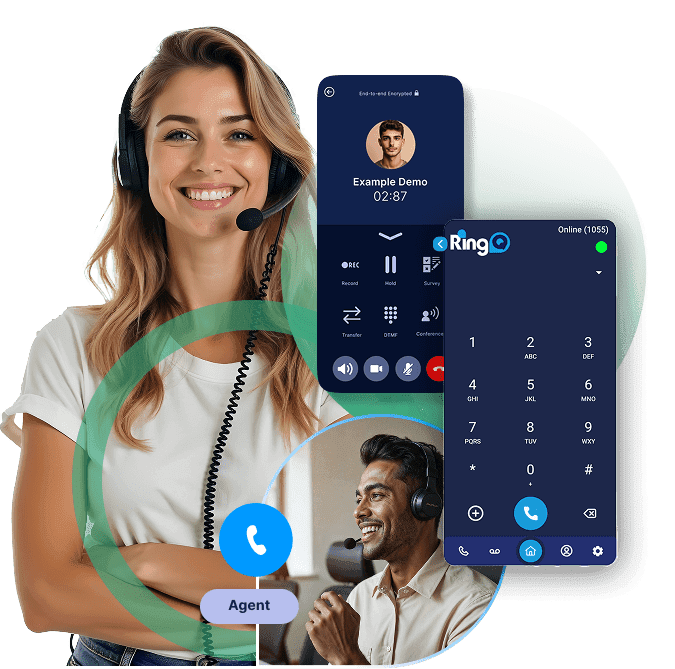
Desktop-Based Call Control That Works for You
CTI mode simplifies daily call handling by enabling click-to-call, instant call answering, and on-screen notifications. Agents can focus on the conversation instead of the technology, leading to faster response times and smoother workflows.
Click-to-Call
Launch calls directly from your CRM, browser, or desktop in a single click.
Instant Desktop Pop-Ups
Incoming calls trigger automatic screen alerts so agents are ready immediately.
CRM Auto-Link
Calls are automatically linked to customer records in your connected CRM.
Reduced Handle Time
Skip manual dialing and device switching to cut time on every interaction.
Multi-Platform Integrations
Works with Dynamics 365, Microsoft Teams, Zendesk, Freshdesk, and more.
Screen Pops & Caller ID
See who is calling before answering — greet by name and resolve faster.
Work Smarter with Desktop-Based Call Control
With CTI mode enabled, agents can make and receive calls directly from their computers. Incoming calls trigger instant desktop pop-ups via the softphone, removing the need to dial numbers manually or rely on physical handsets — saving valuable time on every interaction.
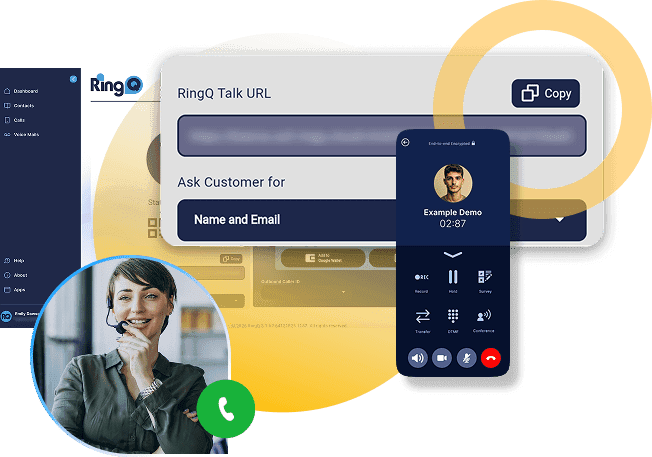
CRM & Collaboration Integrations
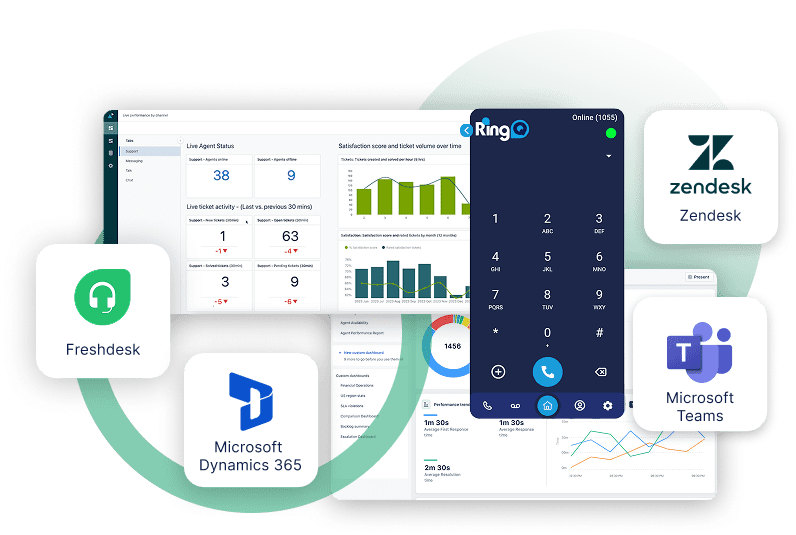
RingQ CTI mode integrates seamlessly with leading platforms such as Microsoft Dynamics 365, Microsoft Teams, Zendesk, and Freshdesk. These integrations ensure that customer information is always accessible at the moment a call arrives, improving efficiency and context for every interaction.
Know Who's Calling Every Time
With CTI mode, agents immediately see who's calling through automatic CRM screen pops for recognized numbers. This visibility allows agents to greet callers by name, understand their history, and resolve issues faster — delivering a more professional and personalized experience.
Why Switch to a RingQ Cloud Call Center?
RingQ Cloud CX gives your team the tools to handle more calls, connect faster, and deliver better customer experiences — without wasting a second.